
How to manage google reviews 2025: Shine Online
Why Your Business Can’t Ignore Google Reviews
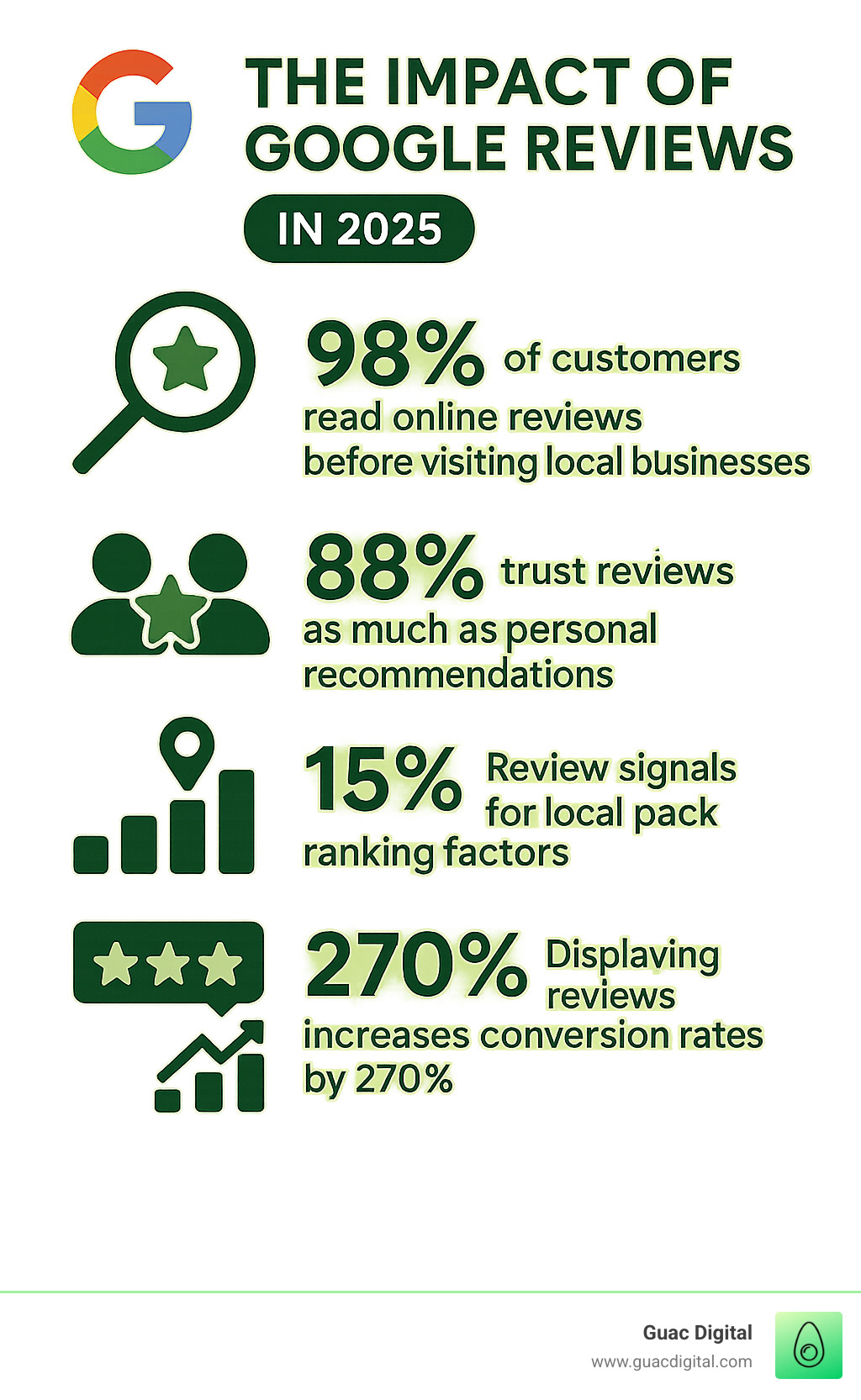
Learning how to manage google reviews is a critical skill for success in today’s digital world. With 98% of customers reading online reviews and 88% trusting them as much as personal recommendations, your Google reviews are one of your most powerful marketing tools.
Here’s a quick guide to managing Google reviews effectively:
- Monitor regularly – Check your reviews daily via your Google Business Profile.
- Respond to all reviews – Address both positive and negative feedback within 24-48 hours.
- Stay professional – Keep responses courteous and solution-focused.
- Flag inappropriate content – Report fake or policy-violating reviews.
- Encourage positive reviews – Ask satisfied customers to share their experience.
- Analyze feedback – Use reviews to improve your business operations.
The stakes are high. Review signals make up 15% of Google’s local pack ranking factors, directly impacting whether customers find you. More importantly, displaying reviews can increase conversion rates by 270%, turning browsers into buyers.
Think of Google reviews as digital word-of-mouth on steroids, influencing thousands of potential customers. They shape first impressions, build trust, and often determine if someone chooses you over a competitor.
The Modern Word-of-Mouth
In a world saturated with ads, consumers seek authentic recommendations from peers. Google reviews are the digital equivalent of a trusted friend’s advice. Studies confirm this: 88% of consumers trust online reviews as much as personal recommendations.
These digital recommendations act as powerful social proof. When potential customers see a thriving collection of positive reviews, it builds immediate credibility and helps your business stand out.
How Reviews Shape Your SEO and Reputation
Google reviews are pivotal for your online visibility and reputation. Google’s algorithm heavily weighs review signals, which account for 15% of local pack ranking factors. To appear in the top local search results, your reviews must be in excellent shape.
Google values reviews as fresh, user-generated content that signals your business’s quality and relevance. They contribute to your E-E-A-T (Experience, Expertise, Authoritativeness, and Trustworthiness) score, which is crucial for ranking. A steady stream of positive reviews marks you as a reliable choice in Google’s eyes.
The impact extends beyond SEO. Your online reputation acts as a digital storefront. Positive reviews improve it, attracting more customers. Displaying reviews can even boost conversion rates by 270%, turning visitors into loyal patrons. It’s about getting found and converting those who find you.
Setting the Stage: Optimizing Your Google Business Profile for Success
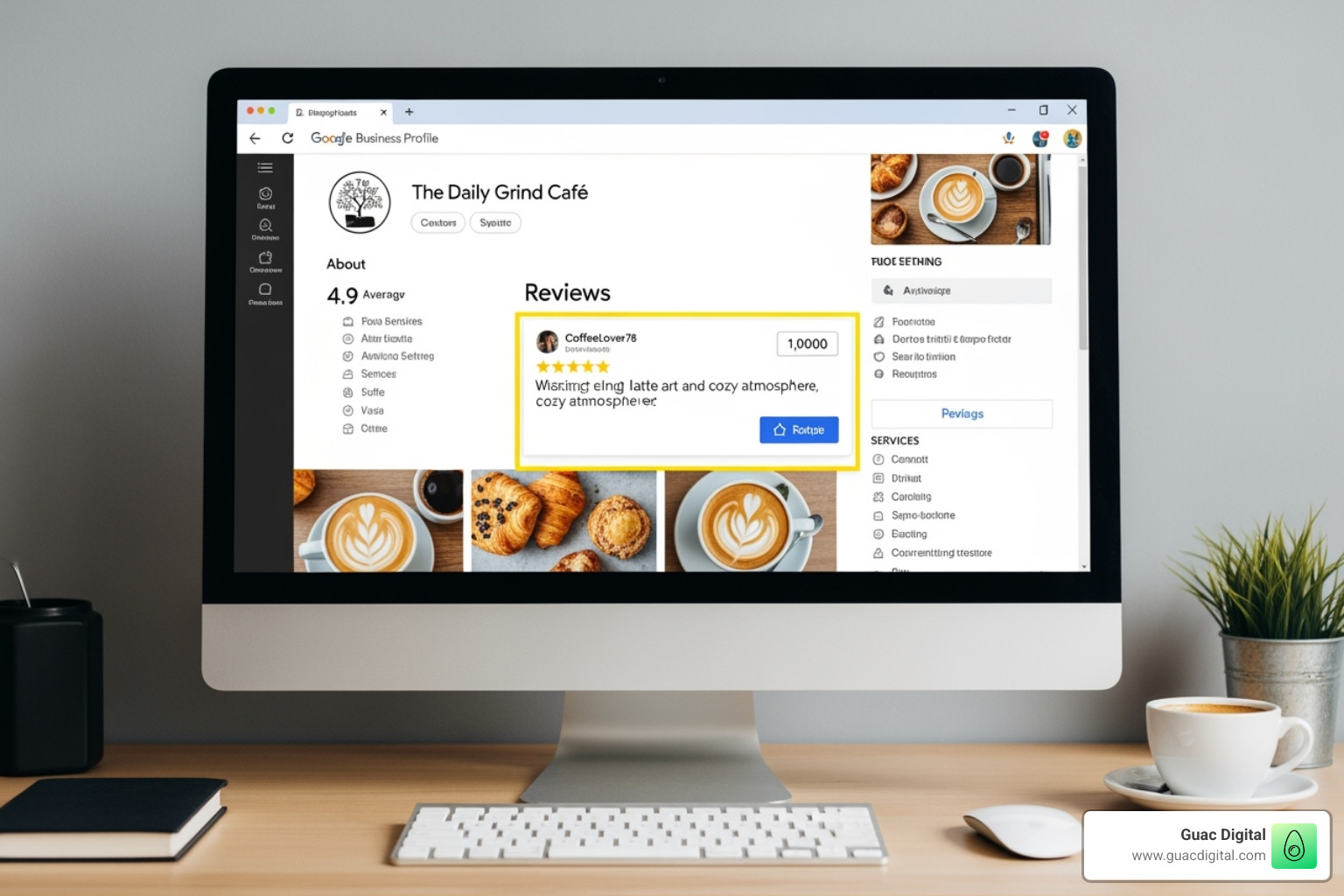
Your Google Business Profile is the foundation of your online presence and the home for your customer reviews. Without a solid, optimized profile, learning how to manage Google reviews is like building a house on quicksand. It’s your digital storefront and first impression.
Many businesses jump into review management while neglecting their profile setup, which undermines their efforts. An incomplete or inconsistent profile looks unprofessional and can discourage customers from leaving reviews.
Step 1: Create and Verify Your Profile
If you haven’t already, claim your Google Business Profile now. It’s free and quick to set up at Create a Google Business Profile.
The business verification process is crucial. It open ups the ability to respond to reviews, post updates, and manage your reputation. Without it, you have no control over your business’s online journey.
Accurate and consistent information is key. Your business name, address, and phone number (NAP) must be identical across all online platforms. Google prioritizes this NAP consistency.
Be sure to completely fill out your service areas and business hours. Outdated information frustrates customers and erodes trust. These details are foundational.
Step 2: Best Practices for Encouraging Customer Reviews
Now, let’s get those reviews. Most happy customers are willing to leave a review if asked—research shows 65% will—but they often need a gentle nudge.
Your direct review link is a game-changer. This special URL takes customers straight to the review page, making it effortless to leave feedback. Share this link widely.
Email Requests: Timed email requests are effective. Send a personalized follow-up within 24-48 hours of service, referencing their specific experience.
SMS Campaigns: For on-the-go customers, SMS campaigns are highly effective. A quick text with your review link is convenient in our mobile-first world.
In-Person Asks: When a customer expresses satisfaction, ask them to share their feedback on Google. Provide a QR code at checkout to make it easy.
Social Media Prompts: Use occasional social media posts to remind your followers to share their experiences, but avoid over-asking.
The key is making the process as simple as possible for your customers.
The Art of the Reply: Responding to All Customer Feedback
Getting reviews is only half the battle. The real magic of how to manage Google reviews happens in your responses. Each reply is a chance to showcase your brand’s personality and prove you care about your customers. Your responses are public, and future customers will see how you handle all feedback, forming opinions about your business based on your replies.
Responding to Positive Reviews
Responding to positive reviews is as important as addressing complaints. Acknowledge customers who take the time to praise your business. It shows you’re engaged and reinforces the positive experience.
- Be Timely: Aim to respond within 24-48 hours.
- Personalize It: Use the reviewer’s name and reference specifics from their review to make your response meaningful.
- Show Gratitude: A heartfelt thank you makes customers feel valued. Highlighting the positives they mentioned reinforces why others should choose you.
- Encourage Return Visits: A warm invitation like, “We can’t wait to see you again!” helps turn one-time customers into regulars.
How to manage Google reviews that are negative
Negative reviews are opportunities in disguise. While they can feel like a nightmare, a proper response can win over future customers. A study shows that replying to reviews results in better ratings, and a professional response shows you’re committed to making things right.
- Acknowledge and Apologize: Start by apologizing that their experience fell short, even if you disagree. Show empathy for their frustration to defuse tension.
- Offer a Solution and Take it Offline: Offer to make things right and invite them to continue the conversation privately. A response like, “We’d love to discuss this further and find a solution. Please contact us directly at your convenience,” shows you’re committed to resolution.
- Maintain Professionalism: Always stay calm and courteous. Never get defensive. Your public response is for all potential customers to see.
Your response demonstrates your customer service to all future readers.
Turning Feedback into Fuel for Growth
Your reviews are a goldmine of free market research. Smart businesses analyze them to find opportunities for growth.
- Identify Trends: Look for patterns in feedback. Consistent praise for a specific service is marketing gold, while recurring complaints highlight operational issues to address.
- Analyze Sentiment: Use tools to track the overall feeling about your business. This helps you spot emerging issues before they grow.
- Drive Improvements: Customer feedback is a direct roadmap for product and service improvements. Use it to guide your next steps.
- Inform Staff Training: Reviews can highlight star employees for recognition and identify areas where your team needs more training.
Using data-driven marketing strategies, where reviews are a rich data source, is a powerful approach. Viewing feedback as fuel for growth transforms your entire approach to customer relationships.
How to Manage Google Reviews at Scale
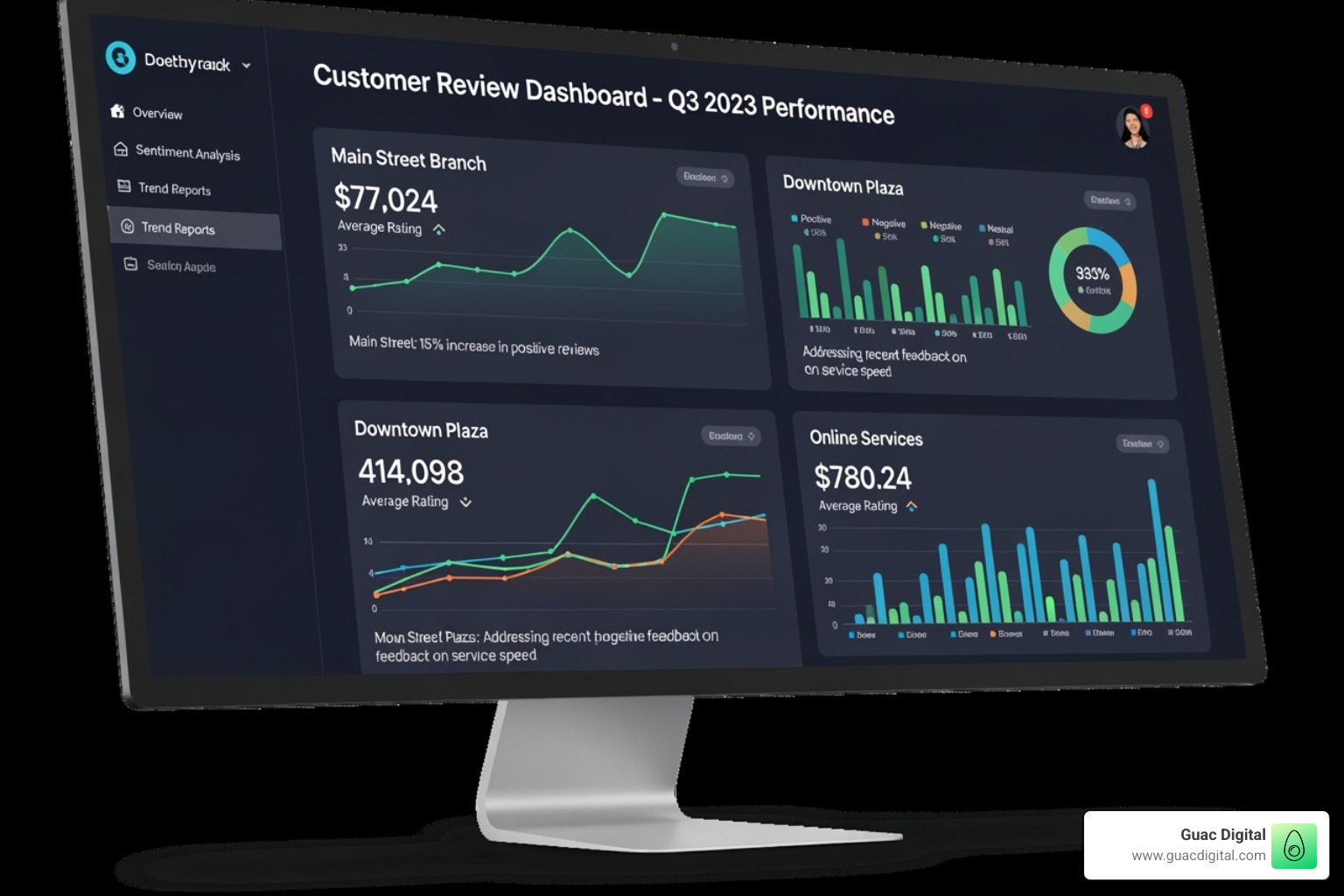
Managing reviews for multiple locations or high volumes can be overwhelming. But scaling your how to manage Google reviews process is achievable with the right systems. We often see businesses expand from one location to many, only to find their manual review process becomes unsustainable.
The secret is working smarter, not harder. The right tools and strategies allow you to manage reviews efficiently across all locations while maintaining a personal touch.
Strategies for Multi-Location Businesses
For businesses with multiple branches, a coordinated strategy is essential for maintaining brand integrity while handling location-specific feedback.
- Centralized Management: Use a single dashboard to oversee all reviews from every location. This ensures consistency and prevents any review from being missed.
- Local Manager Empowerment: Empower local managers to respond to reviews. They have the on-the-ground context to provide authentic, specific replies, while a central team can focus on brand-level trends.
- Brand Consistency: Provide your team with response templates and brand voice guidelines. This ensures all replies are consistent in tone and quality, not robotic.
- Customized Local Responses: Allow local managers to add specific flavor to their responses. A beachside location can mention the view, while an urban one can reference city life, making replies more authentic.
- Performance Tracking by Location: Analyze review data for each location to identify unique strengths and weaknesses. This helps you tailor improvements and recognize successes.
For businesses ready to take their local presence seriously, partnering with experts can be transformative. Strategic support from a local SEO agency can amplify your efforts.
Automating Your Review Management Process
Manually checking reviews across locations is inefficient and leads to missed opportunities and team burnout. Smart automation creates a proactive system, balancing efficiency with authenticity.
- Auto-Response Rules: Use for simple, positive reviews. An automated ‘Thank you!’ shows you’re listening without requiring manual effort for every comment.
- Personalized Templates: Create customizable templates that your team can quickly adapt. This saves time while allowing for personalization.
- Negative Review Alerts: Set up immediate alerts for negative reviews. A fast response is critical for turning a bad experience around.
- Ticketing Systems: Integrate reviews into a ticketing system to ensure complex issues are tracked, assigned, and resolved internally.
Look for review management software with key features like a centralized dashboard, AI-powered response suggestions, sentiment analysis, multi-platform support, and reporting and analytics. Automation frees up your team to focus on what matters most: resolving complex issues, learning from detailed feedback, and engaging with your biggest fans.
Dealing with Problematic Reviews: Removal and Escalation
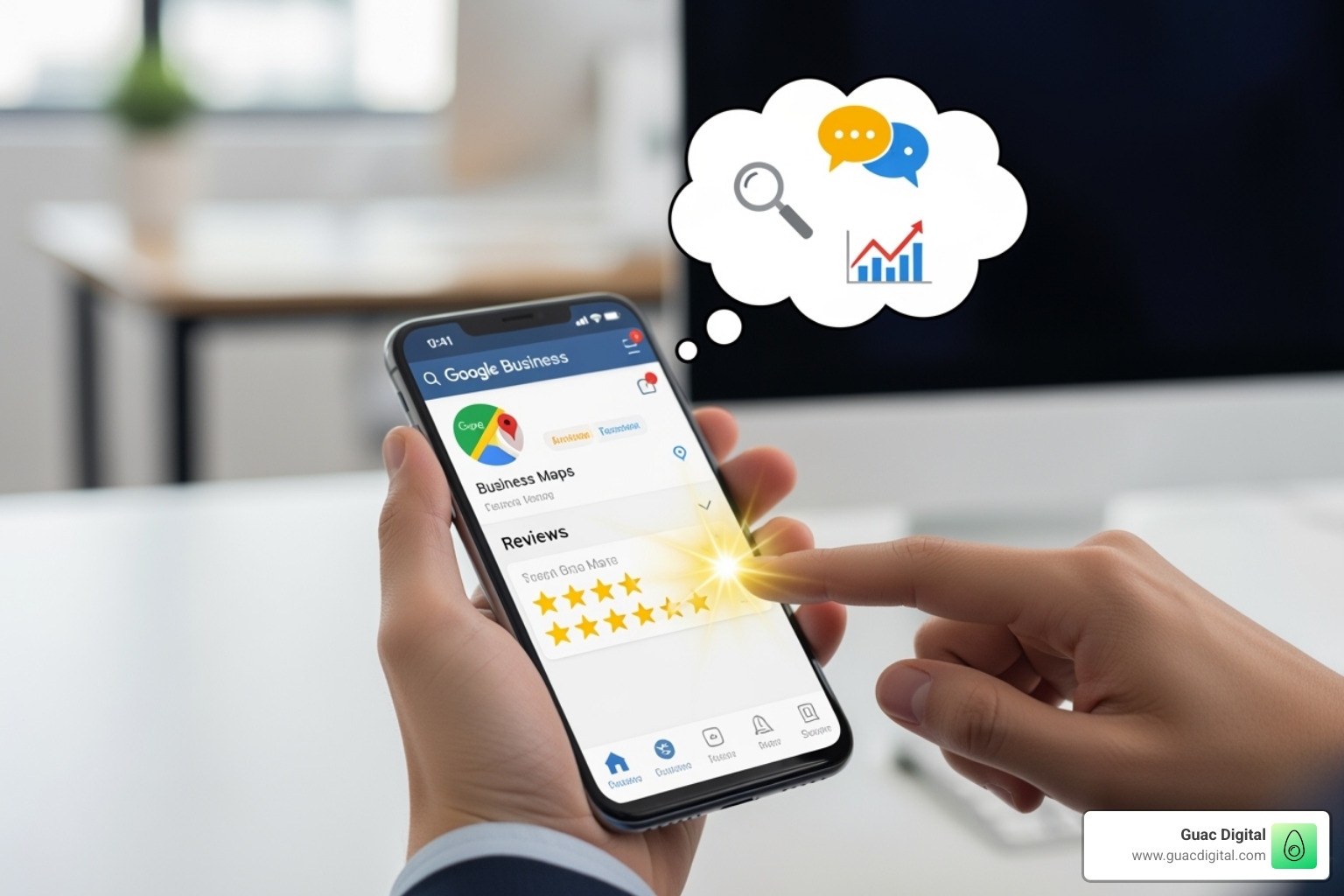
Not all reviews are legitimate. Some violate Google’s policies, and knowing how to manage Google reviews of this nature is crucial for protecting your reputation. While Google won’t remove a review just for being negative, it will act on clear policy violations.
Identifying and Flagging Fake or Inappropriate Reviews
Google has strict content policies to maintain trust. If a review violates these rules, you can request its removal. The key is to understand what qualifies.
- Spam and Fake Content: This includes reviews from non-customers, competitors, or coordinated attacks. A review from someone with no record of service is a major red flag.
- Off-Topic Reviews: Reviews that are political rants or personal attacks unrelated to a customer experience are eligible for removal.
- Conflicts of Interest: Reviews from employees (current or former) or competitors are not allowed. Proving the conflict can be difficult but is worth pursuing if you have evidence.
- Prohibited Content: Reviews containing hate speech, profanity, illegal content, or impersonation are clear violations.
To report a violation, find the review, click the three-dot menu, and select “Flag as inappropriate.” Clearly explain which of Google’s Content Policies it violates.
What to Do When Your Removal Request is Denied
If Google denies your removal request, don’t give up. Persistence and knowing the escalation process are key.
First, check your request’s status in Google’s Review Management Tool. If denied, you can appeal once. Be thorough, reference specific policies, and provide any new evidence.
If the appeal fails, contact Google Business Profile support directly via their Help Center. Have your case ID ready and present your case factually and professionally.
As a last resort, post on the Google Business Profile Forum. Experienced Product Experts there may be able to escalate your case. Provide your case ID and a clear, calm explanation.
Google only removes reviews that violate its policies, not ones that are simply negative or unfair. The process takes patience, often several weeks. While you wait, focus on generating new positive reviews. The best defense is a strong offense of authentic, positive feedback.
Frequently Asked Questions about Google Review Management
Here are answers to common questions business owners ask when learning how to manage Google reviews.
Can I turn off or disable Google reviews for my business?
This is a common question, especially after a negative review. The answer is no. You cannot disable Google reviews without deactivating your entire Google Business Profile. Google’s platform relies on the trustworthiness of authentic reviews, and allowing businesses to disable them would undermine this system.
The best strategy is proactive management, not avoidance. With effective management, reviews become a powerful marketing asset.
Does responding to reviews improve my local SEO ranking?
Yes, absolutely. Responding to reviews signals to Google that you are an active, engaged business, which positively impacts your local SEO. This engagement is a positive ranking factor that helps Google see your business as legitimate and customer-focused, improving your chances of appearing in the Local Pack.
Your responses are public. A thoughtful reply is not just for SEO; it’s a powerful message to potential customers.
How long does it take for Google to act on a flagged review?
Patience is key. While Google aims to review flags in three business days, the process can take anywhere from a few days to several weeks, depending on the case’s complexity and their workload.
Simple cases may be resolved quickly, while nuanced ones take longer. You can track your request’s status using Google’s Review Management Tool. If a request is denied or stalled, use the appeals process, which is often faster. Persistence and clear documentation are crucial.
Conclusion: Turn Your Reviews into a Revenue Engine
Mastering how to manage Google reviews transforms a chore into a secret weapon for growth. You’re not just managing feedback; you’re building a reputation that attracts customers.
Every review is a conversation. Every response builds customer trust. This is the foundation of sustainable growth. Thriving businesses are proactive. They nurture relationships, use feedback for continuous improvement, and build brand loyalty that drives repeat business and referrals.
Integrating review insights into data-driven marketing strategies can deliver real ROI. When review management is part of your larger digital strategy, you’ll see powerful results.
Your reviews become testimonials. Your responses become marketing copy. Your improvements become talking points. Every star rating becomes a stepping stone toward higher search rankings and increased revenue.
Ready to turn your Google reviews into a growth engine? By making review management a core part of your digital strategy, you can transform those stars into serious revenue.
Remember: your reviews aren’t just feedback—they’re your future customers reading about why they should choose you. Make every word count.